Online Banking

Access your Hanley Economic Accounts via the Online Banking Portal or Mobile App.

Important Notice: Opening your Online Account

If you are opening a new online account, select Email verification at Step 4. SMS/text verification is currently unavailable. We apologise for any inconvenience caused.

How to Register (Existing Account Holders)

laptop icon

Already have an account with us?

This is for existing account holders only. Select 'Register' below and input the required information.

clock icon

Await your confirmation

We will send your welcome pack via email

download Icon

We'll process your account

We will send your user ID in the post - please allow 4-5 days for this to arrive.

clipboard icon

Your registration is complete!

You can now access our Online Banking Portal to view your account.

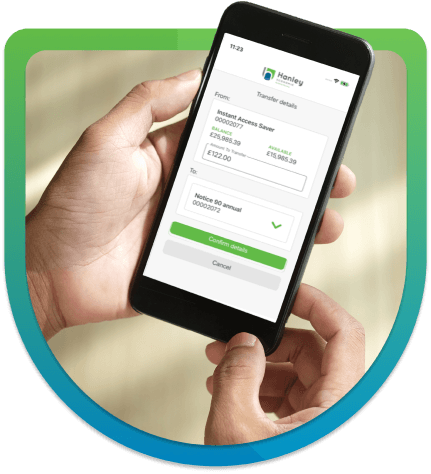
image of someone using a mobile phone

Log in to Online Banking

Access your online savings account/accounts.

How do I register?

Click below to begin your online banking registration.

You can also register by opening an online savings account.

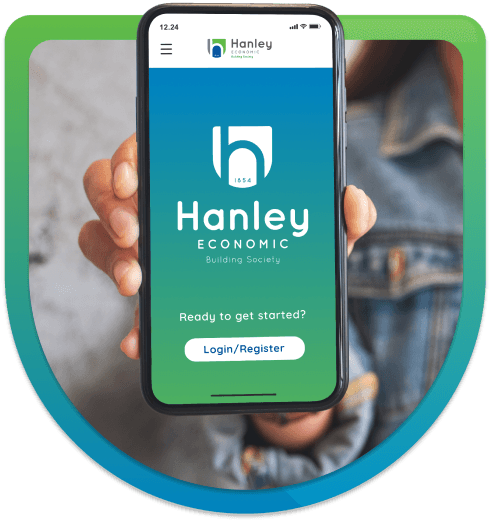
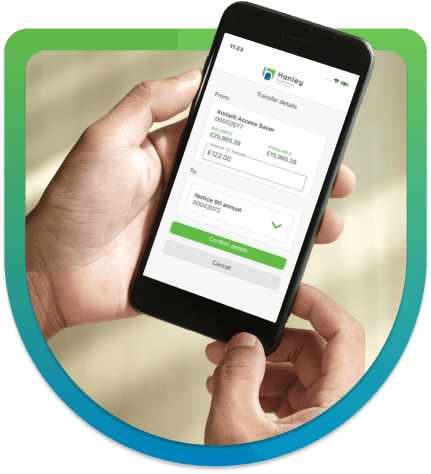
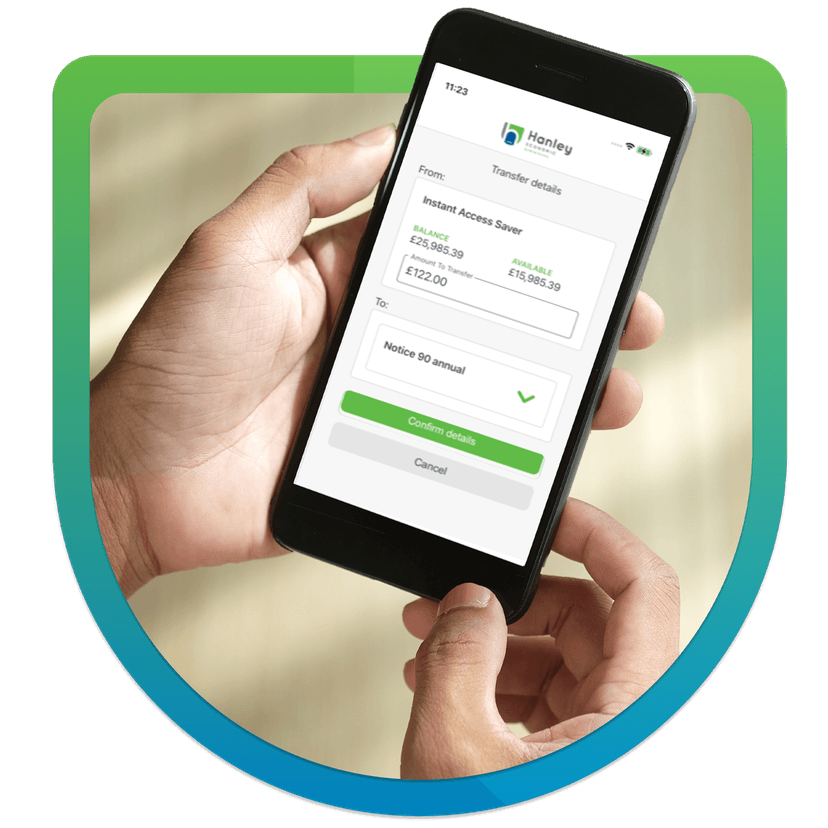
Our mobile banking app

Download Our App

Already registered for online banking? Download our Mobile Banking app today!

  • Pay money into your savings on selected accounts
  • Withdraw funds into your nominated bank account from selected accounts
  • View your transactions
  • Transfer money between selected accounts
  • Update your details, such as your phone number or email address
Download on the App StoreGet it on Google Play

Take five stop fraud logo

Stop and Think

  • Is Anyone is pressuring you into making this payment
  • Has anyone contacted you and said they are from the society or another organisation and are asking you to make a payment to a new safe account
  • Are you being told you must make the payment straight away
  • Have you been told not to trust your bank, building society or the police they may be involved

If the answer to the above questions is YES this may be a scam, please make the society aware before you make any transactions.

Need further assistance?

Visit our Contact and Help Hub to see how to get in touch.

Visit Contact & Help Hub